What an email QR code does
When someone scans it, their phone opens a new email in their mail app with your address already in the To field. You can also fill in the subject and the message so the person only has to press send.
Create it in QRinst
- Open the QRinst generator. Email sits under the More tab.
- Enter the email address, an optional subject and an optional message.
- Download the code and test it.
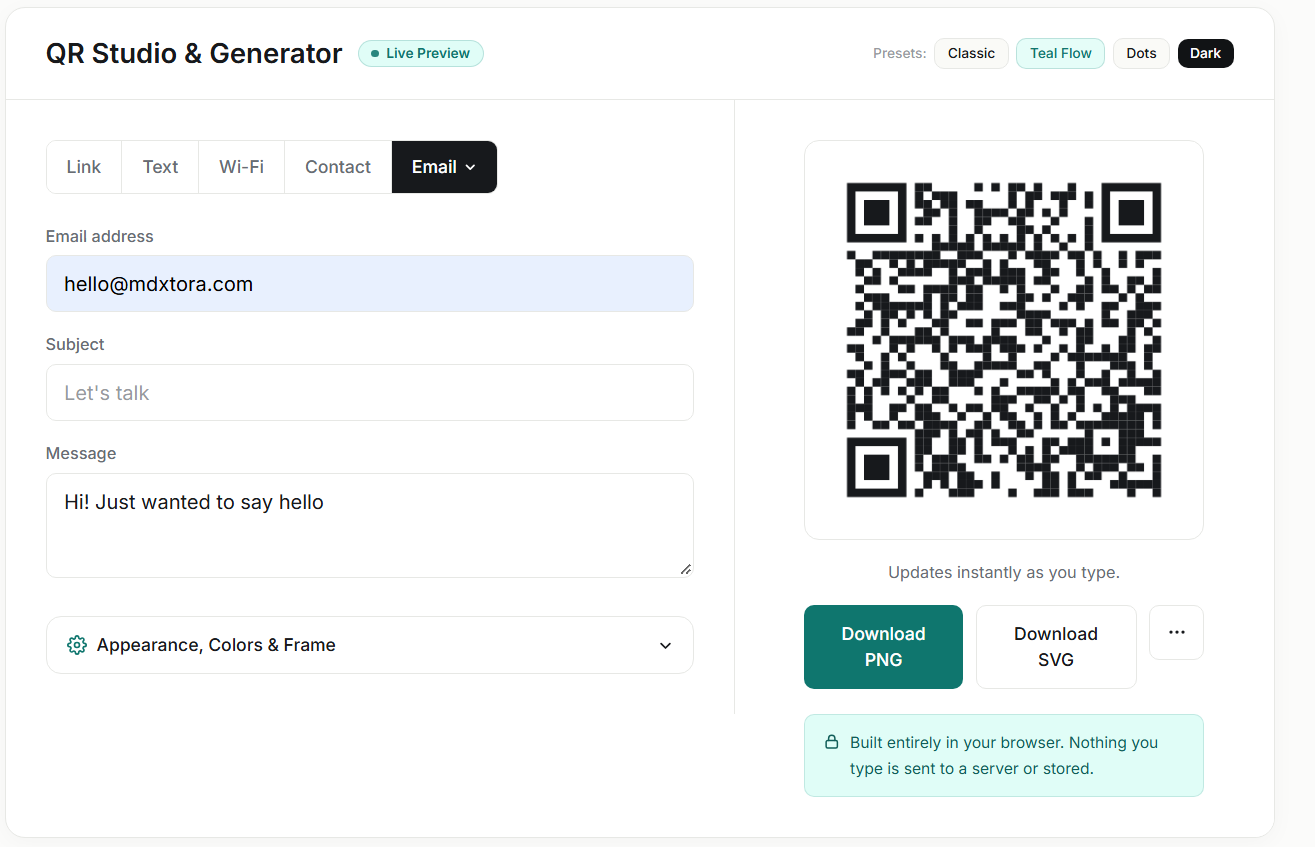
Keep the message short
Everything you type is stored inside the pattern. The longer the text, the denser the code, with smaller squares that are harder for a camera to resolve. Compare a long pre-filled message with the short one above.
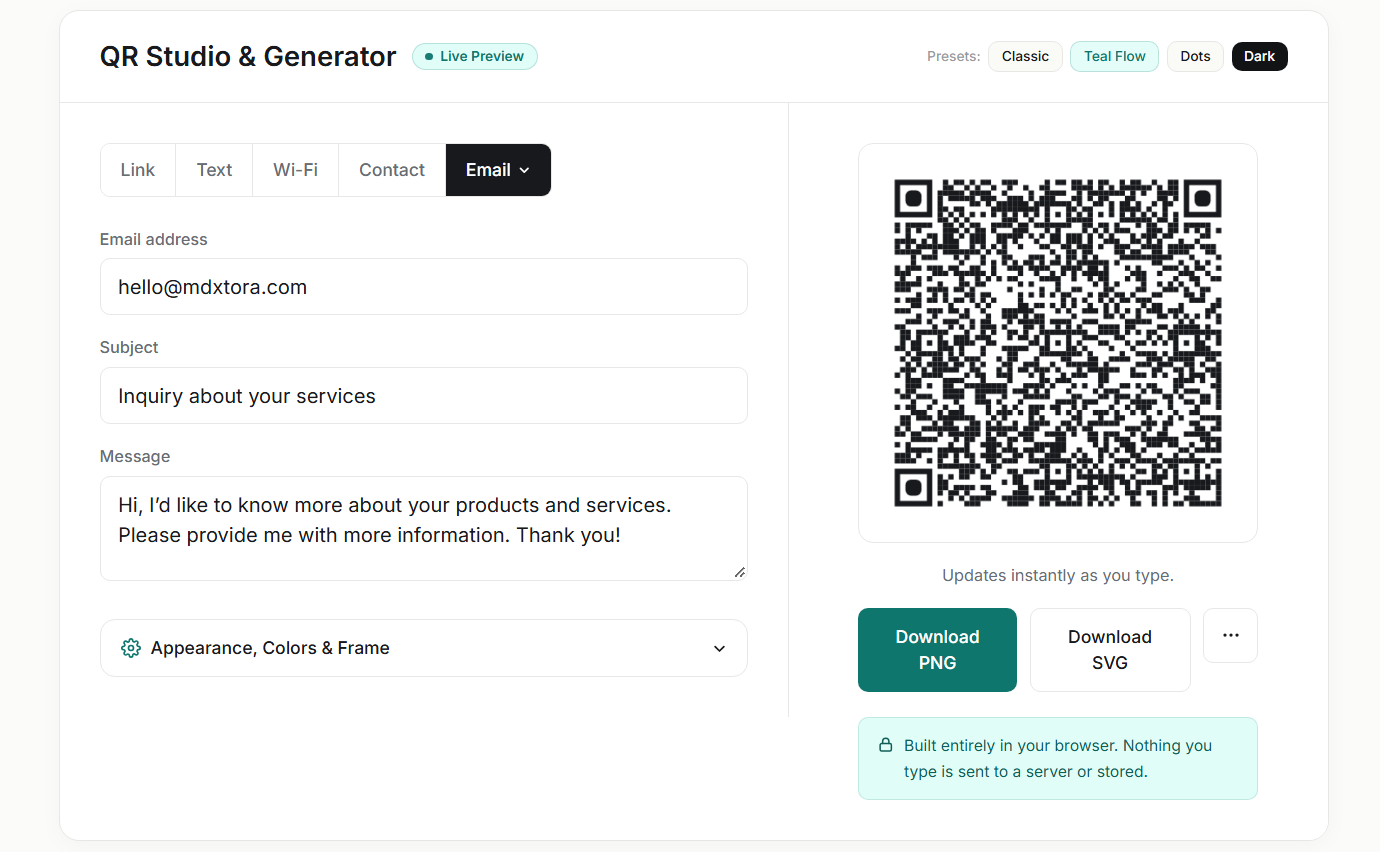
If you need to print it small, keep the subject brief and the message to a sentence, or leave the message empty. Always scan the printed result, and see how big to print a QR code.
When an email code is the right choice
Email codes are best when you want a message from the visitor, not just a visit to a page. Typical uses are:
- A "contact us" or "request a quote" code on a flyer, van or shop window.
- Feedback or complaint addresses on packaging and receipts.
- Job applications or enquiries on recruitment posters, with the role in the subject.
- Event RSVPs with a subject such as "RSVP – Annual Meetup".
If you want people to save your details instead, a contact card is better; see the vCard guide.
Writing a good subject and message
A clear subject helps you sort the replies, and a short pre-filled line gives the sender a starting point. Use a subject that identifies where the message came from, such as "Question from poster – Main Street", so you know which placement worked. Keep the message to a sentence or leave it blank. Avoid special characters and very long sentences, which add to the size of the code and can be mangled by some mail apps.
Privacy, spam and testing
A printed email address can be copied by anyone, including spam collectors who scan codes and signs. Use a dedicated address for public codes, and not your personal inbox, so you can filter or retire it if it fills with junk.
Test the finished code on both an iPhone and an Android phone, with the phone's default mail app and with Gmail or Outlook if you can. Make sure the address, subject and message all appear as you expect, then check the code with the QR checker before you print.
More guides
- What size should a printed QR code be?
- How to make a Wi-Fi QR code guests can scan to connect
- QR code not scanning? 9 common causes and fixes
- How to make a QR code menu for your restaurant
- How to put a vCard QR code on your business card
- Static vs dynamic QR codes: which one should you use?
- How to make a WhatsApp QR code that opens a chat
- Are QR codes safe? How to spot and avoid malicious codes
- How to add a logo to a QR code without breaking it
- PNG, SVG or PDF? Which QR code file format to download
- How to track QR code scans with UTM links
- QR code colours: what scans and what does not
- How to make a location QR code that opens a map
- How to make an SMS QR code with a pre-written text message
- How to make an event QR code that adds to a calendar
- How to make a social media QR code that opens your profile
- How to make a phone number QR code that starts a call